
TVTimeDirect
A Shopify storefront for As Seen On TV and direct-response goods, selling housewares, health, novelty and outdoor products to shoppers in the United States.
- Address
- tvtimedirect.com/collections/chia-pets-1
- Sector
- As Seen On TV goods
- Audience
- US direct-response shoppers
- Shape
- Catalogue storefront, phone lines listed
- Platform
- Shopify, custom Liquid theme

What the work was
The specific changes, not a category. If a line here reads as something any supplier could claim, it should not be on the page.
- 01
Three ways into one catalogue
Every category has to be reachable from the header mega menu, from the circular carousel on the home page and from the sidebar rail on any collection page. All three read the same collection handles, so a new category appears in each place off a single edit rather than three separate ones.
- 02
A mega menu that carries stock
The Shop, Shop Houseware and Shop Health dropdowns do not simply list child collections. Each panel renders featured products with price, saving and an add-to-cart control, which means several collection queries have to resolve inside the header on every page render.
- 03
Product cards with five jobs
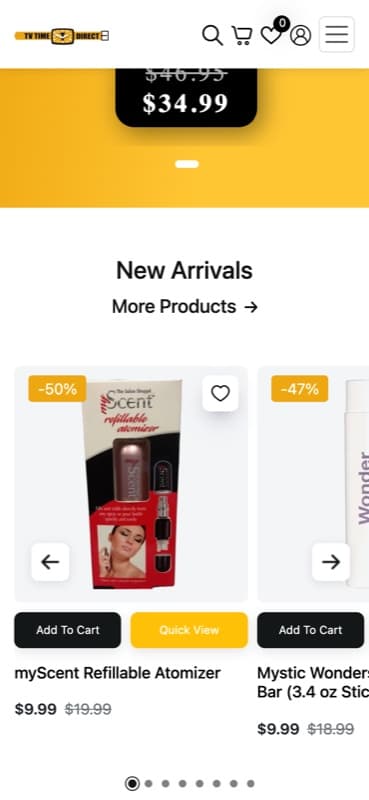
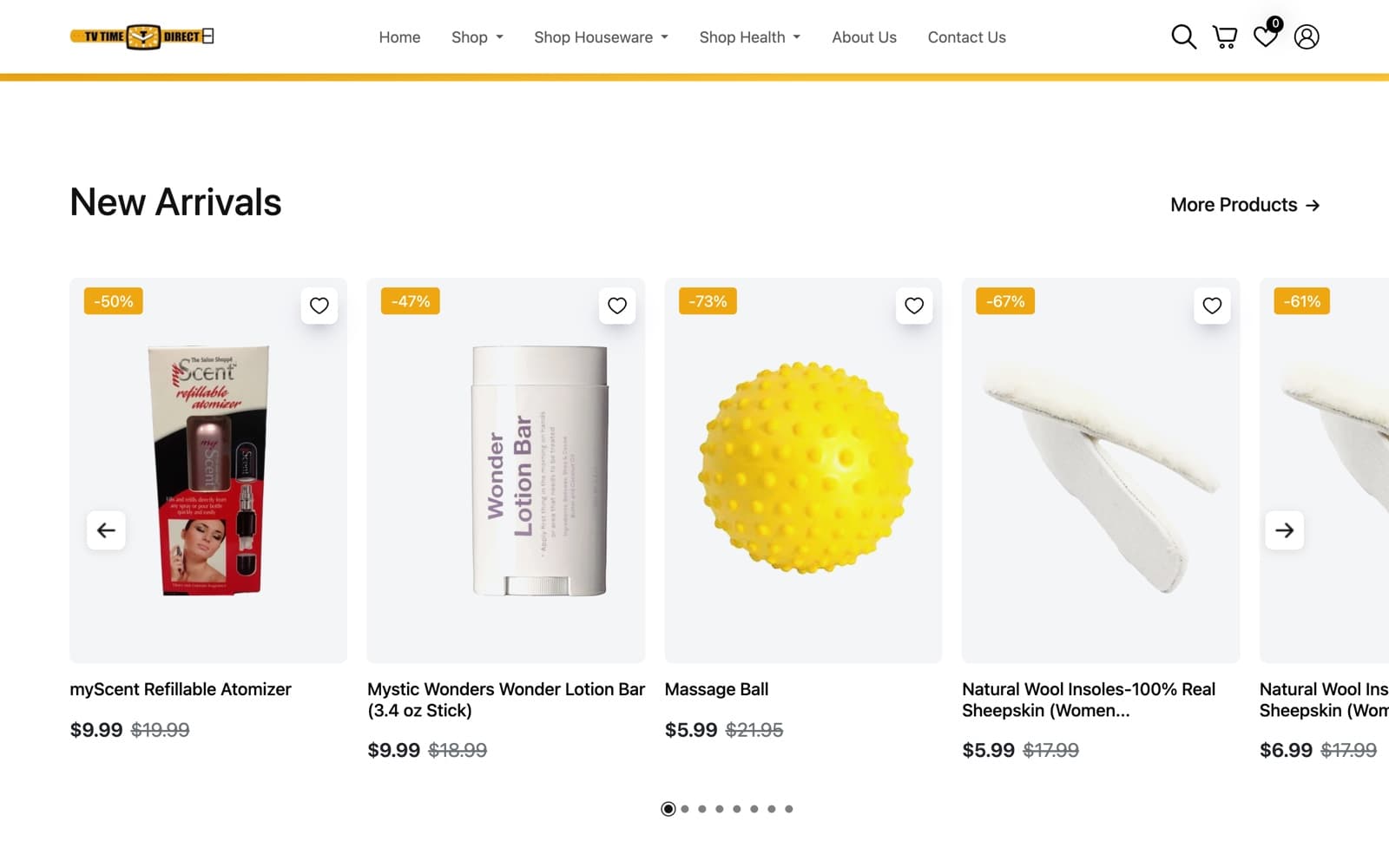
One card carries the percent-off badge, the compare-at strike-through, a wishlist heart, a quick view and a `/cart/add` form. Holding all five in a card that keeps a consistent height across a catalogue of wildly different product photography is most of the work.
- 04
Filter and sort on collections
Collection pages pair the category rail with a from/to price filter and a sort control covering price, title, date and best selling. Both are wired to Shopify's own storefront filtering rather than to client-side JavaScript, so a filtered view is a real URL that can be shared.
- 05
Reviews and a countdown per product
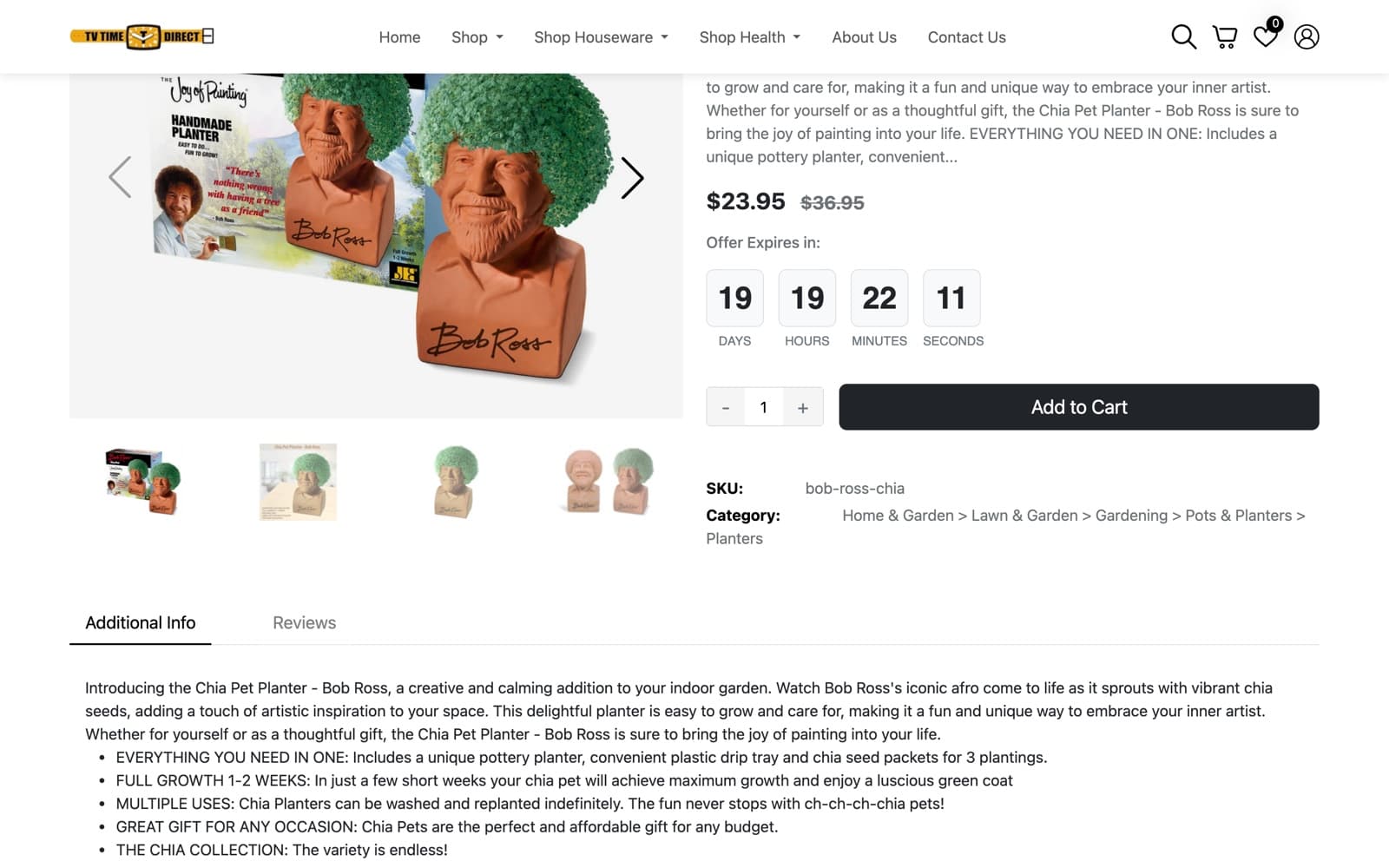
Judge.me metafields supply the rating and the review tab on the product page, and the same source feeds a site-wide reviews page. A per-product offer countdown sits beside the price, above the SKU and the product taxonomy path.
The running system
Captures of the live site. The address is in the frame, so you can open it yourself and check that what is shown here is what is actually served.


Running something that looks like this?
Start with the fixed-fee audit. One to two weeks, a known price, and the findings are yours whether or not you go further. It is the only way to see how a supplier thinks before you have given them the pager.