
Partake Foods
Partake Foods sells top-nine-allergen-free cookies, grahams and wafers direct to shoppers, and routes everyone else to the grocery shelves that stock them.
- Address
- partakefoods.com
- Sector
- Allergen-free snacks
- Audience
- Allergy households, grocery shoppers
- Shape
- Catalogue, locator, content pages
- Platform
- Shopify, custom Liquid theme
What the work was
The specific changes, not a category. If a line here reads as something any supplier could claim, it should not be on the page.
- 01
Catalogue split by format, not diet
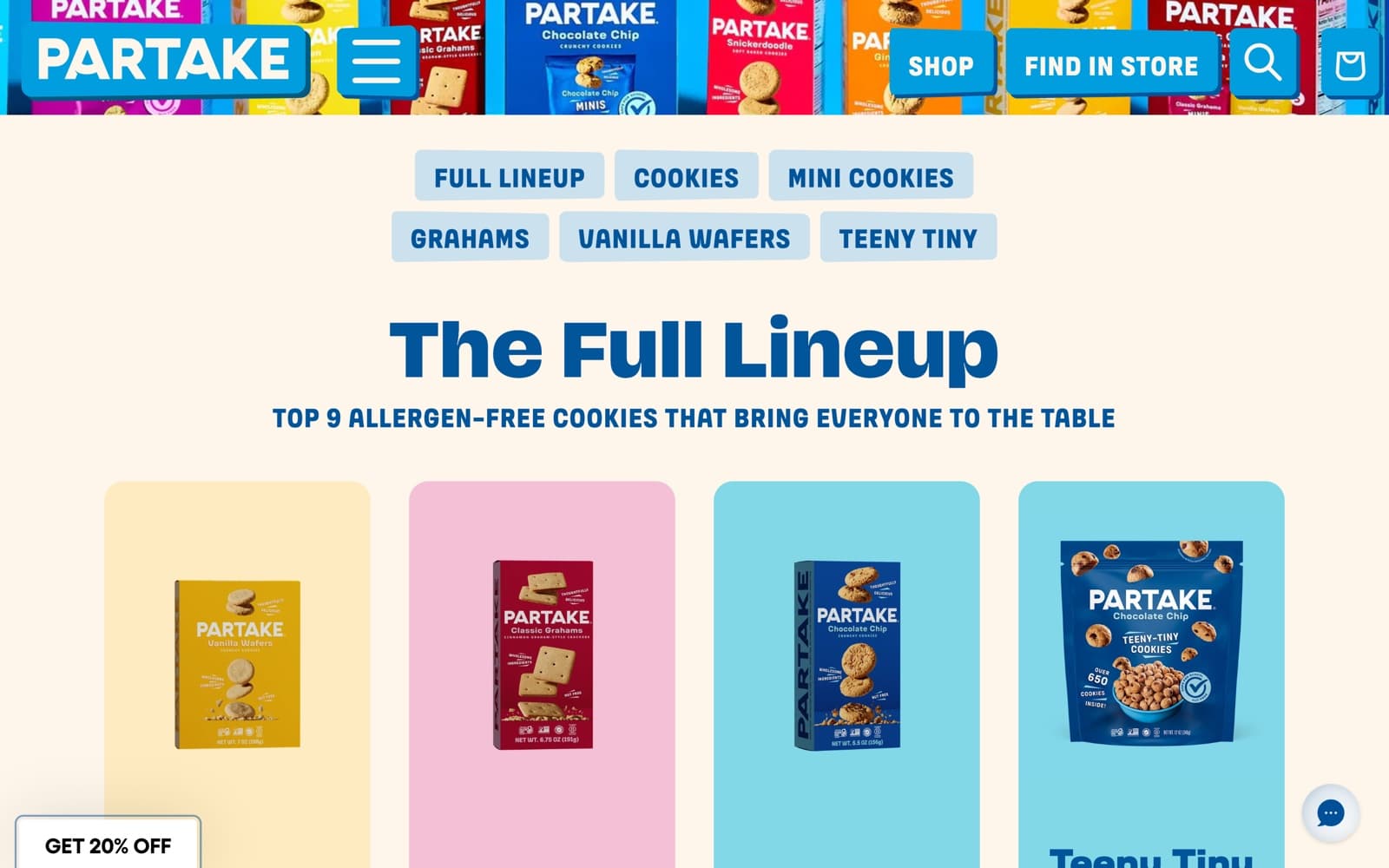
Six pills run across the collection pages — full lineup, cookies, mini cookies, grahams, vanilla wafers, teeny tiny — because the allergen claim is a constant rather than a facet. Each pill is a sibling collection page, not a query string, so a new format is a menu entry; the rail also stashes the scroll position in sessionStorage before it navigates, so moving between formats does not throw the shopper back to the top of the page.
- 02
Ingredient and nutrition text as metafields
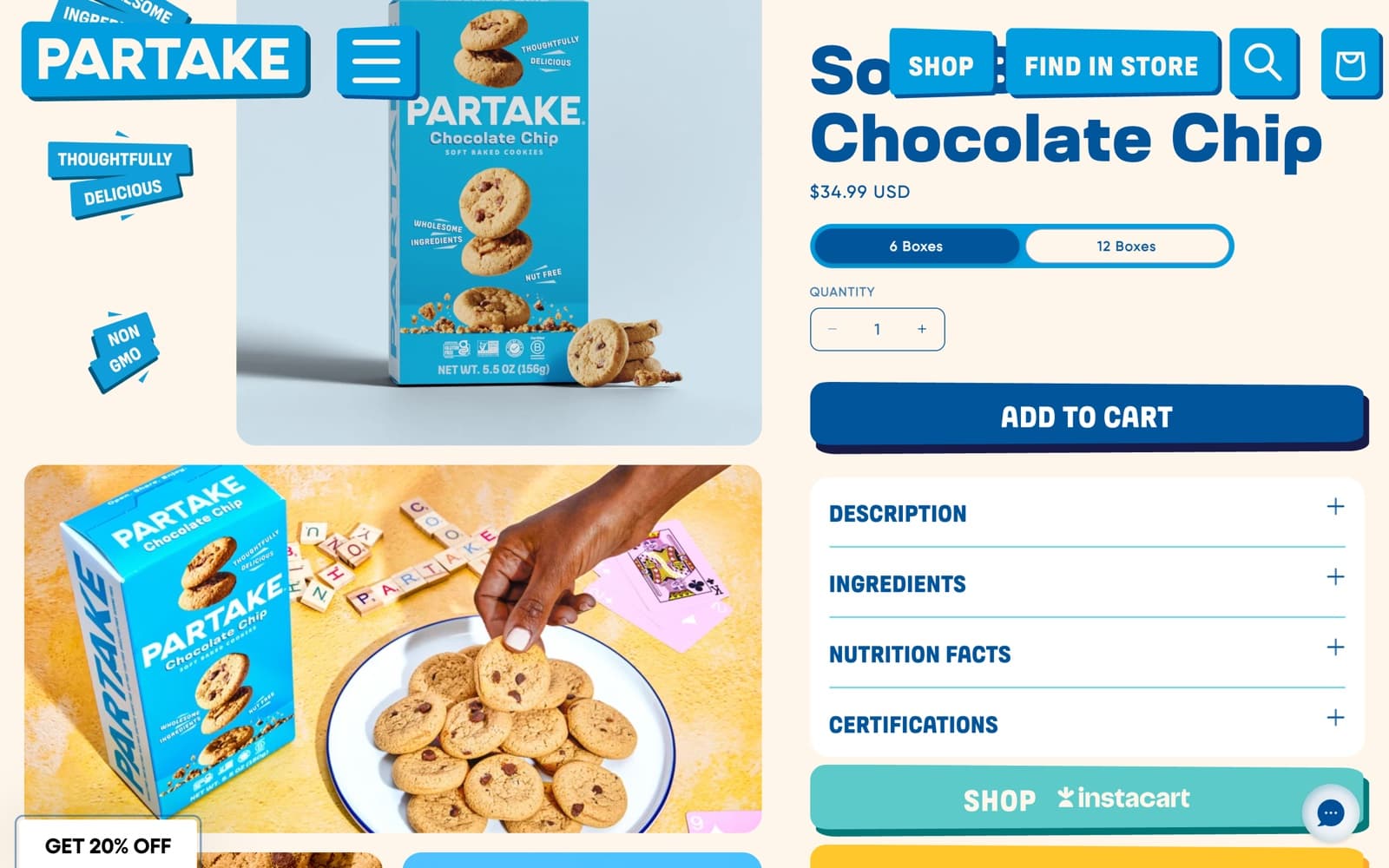
Description, ingredients, the nutrition panel and the certification icons sit in per-product metafields and render into four collapsible rows below add-to-cart. The nutrition row is ordinary rich text that the theme styles into a label layout, so a food-safety editor types servings, values and percentages as paragraphs and the panel comes out reading like a panel.
- 03
Store locator wired to the catalogue
The find-us page hosts a third-party where-to-buy map as a theme section, with tabs for finding a store and for buying online, and a product finder that narrows the map to chosen items. Each product carries the locator's own product id, so the product page links through as ?wbprod=… and the finder arrives already reporting one item selected rather than asking the shopper to pick the box again.
- 04
Two ways to buy on one page
Below add-to-cart the product page offers a marketplace button and a find-near-you button, both resolved per product — the classic grahams link to a Target listing, the soft baked chocolate chip to a Publix one. Not every product has a marketplace listing, and the teeny tiny snack packs prove it, so the block renders conditionally instead of leaving a button that goes nowhere.
- 05
Scroll scene authored as editable positions
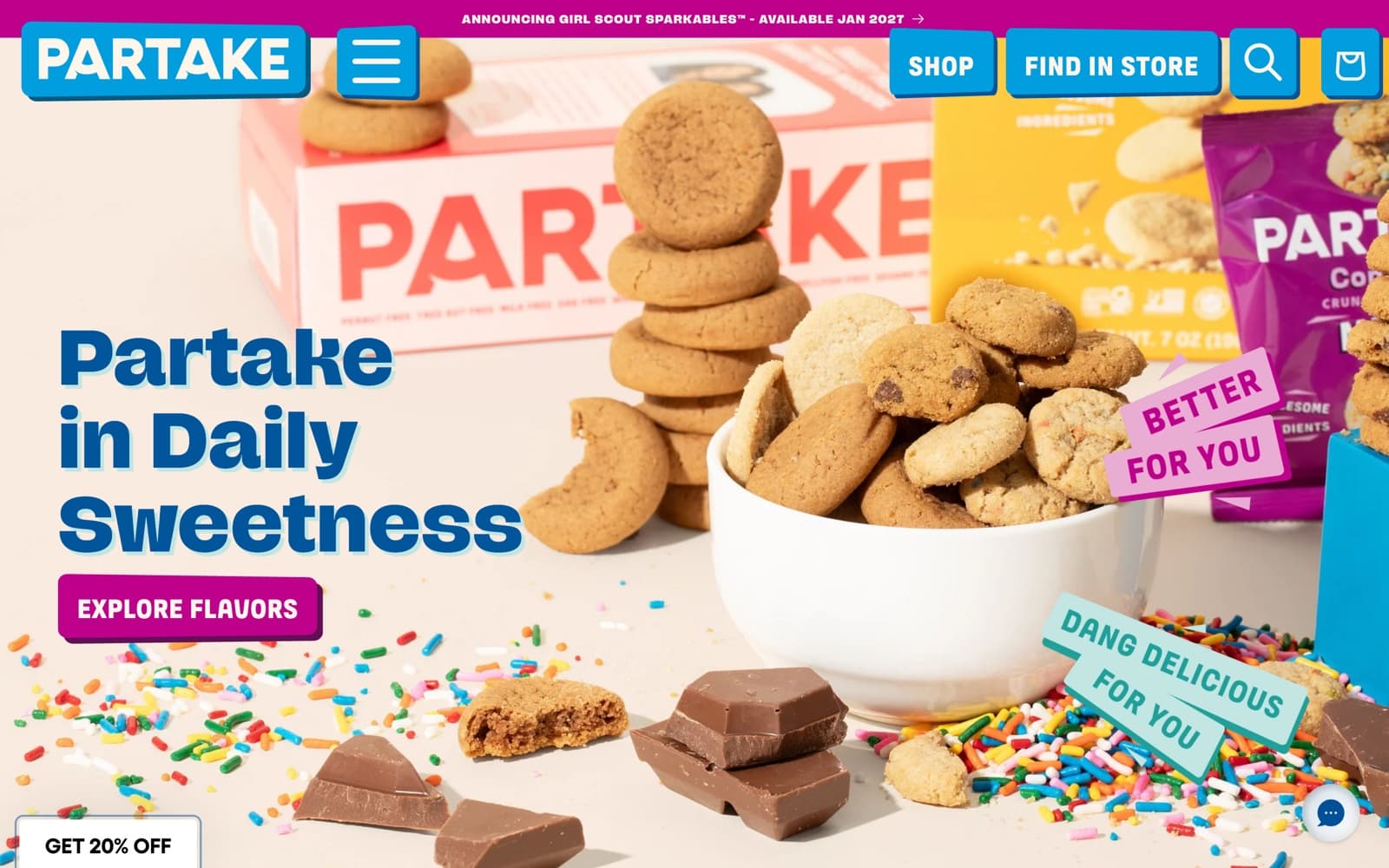
In the pinned cookie scene the claim badges are not baked into the artwork. Each carries its own percentage coordinates, rotation and separate desktop and mobile sizes on the element, and the section emits its own scoped style block, so the composition of the scene is rearranged in the theme editor without reopening the Liquid.
- 06
Allergen FAQ grouped and anchored
The FAQ is an anchor rail over three collapsible groups: facility and cross-contact, what is in the food, and storage. These are the questions that decide a first order, so the facility answers — shared lines, suppliers, coconut, corn, oats — are each their own addressable block rather than a paragraph buried in a page of prose.
The running system
Captures of the live site. The address is in the frame, so you can open it yourself and check that what is shown here is what is actually served.

Running something that looks like this?
Start with the fixed-fee audit. One to two weeks, a known price, and the findings are yours whether or not you go further. It is the only way to see how a supplier thinks before you have given them the pager.